Product Description
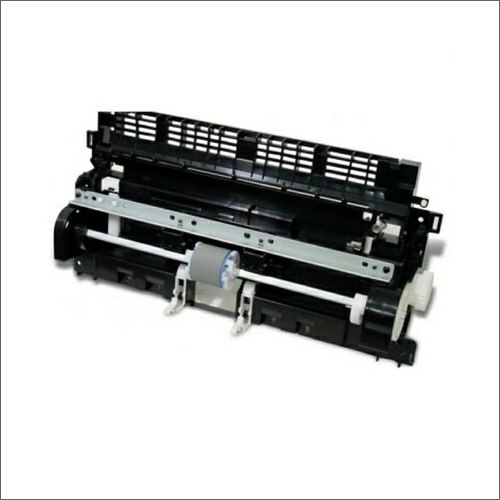
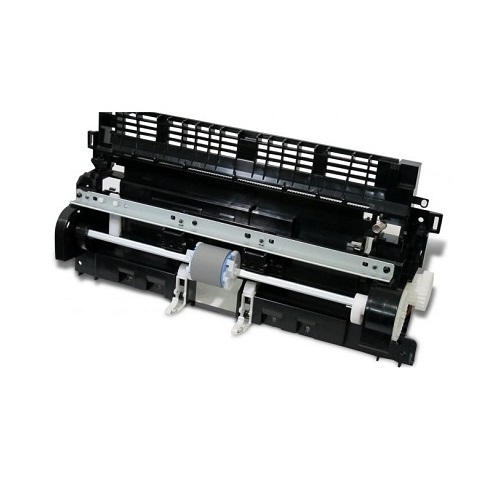
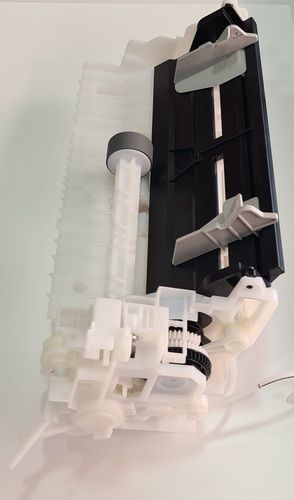
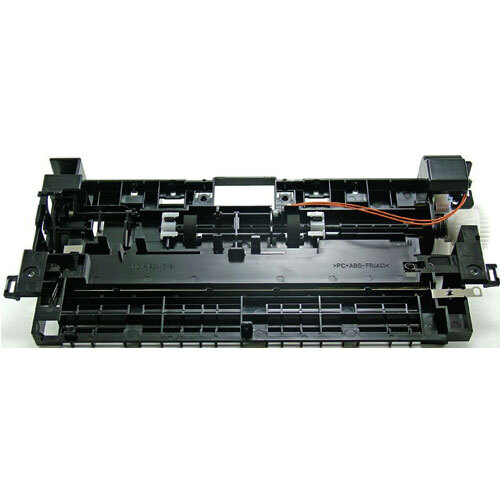
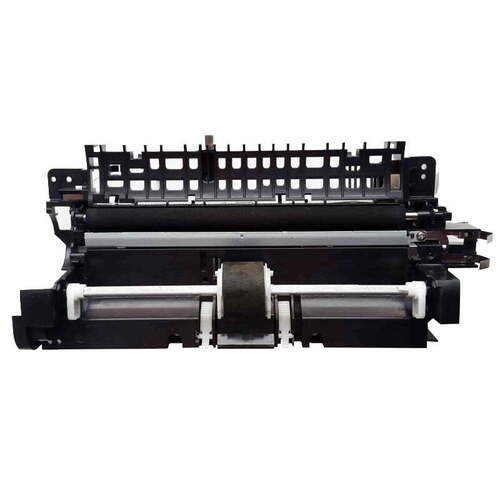
We are one of the leading suppliers of a wide gamut of HP Laserjet Printer Paper Pickup Unit to our widely scattered clients. This unit picks up pieces of paper from the paper tray. It usually has a soft, rubbery surface. The pickup roller should be cleaned or replaced if the printer is suffering frequent paper jams from the inability to pick up a piece of paper. HP Laserjet Printer Paper Pickup Unit is acknowledged for its quality, effectiveness, easy installation and durability.
Reliable Paper Handling ComponentThe HP Laserjet Printer Pickup Assembly guarantees smooth and reliable paper feeding for A4-size documents. Designed to reduce misfeeds and paper jams, it plays a pivotal role in maintaining high-quality prints and printer efficiency. Durable and easy to install, this pickup assembly is ideal for regular usage in offices and businesses.
Proper Storage for Best PerformanceTo maintain the quality and extend the life of your HP Laserjet Printer Pickup Assembly, always store it in a cool, dry place. Proper storage prevents deterioration and ensures the assembly is ready for optimal performance when installed in your printer. Avoid direct sunlight, humidity, and extreme temperatures to get the most from your replacement part.
FAQ's of HP Laserjet Printer Pickup Assembly:
Q: How do I install the HP Laserjet Printer Pickup Assembly in my printer?
A: Install the pickup assembly by first turning off and unplugging your printer. Open the printer's access panel, carefully remove the old assembly (if present), and then fit the new assembly in the designated slot. Make sure it is securely seated before closing the panel and powering the printer back on.
Q: What is the benefit of using a genuine HP Laserjet Printer Pickup Assembly?
A: Using a genuine pickup assembly ensures compatibility with your HP Laserjet printer, resulting in reliable paper handling, minimized jams, and consistent print output. Genuine parts also help maintain your printer's warranty and overall performance.
Q: Where should I store the HP Laserjet Printer Pickup Assembly before installation?
A: Store the assembly in a cool, dry place away from direct sunlight and moisture. Proper storage conditions prevent damage and extend the life of the component until it's ready for use.
Q: What paper size does the HP Laserjet Printer Pickup Assembly support?
A: This pickup assembly is specifically designed for A4-sized paper, ensuring precise and consistent feeding for documents commonly used in offices and homes in India.
Q: When should I replace the pickup assembly in my HP Laserjet printer?
A: Replace the pickup assembly if you notice frequent paper jams, misfeeds, or issues with paper pickup, despite using good quality paper. Regular replacement keeps the printer running smoothly and maintains print quality.
Q: How does proper usage of the pickup assembly improve printer lifespan?
A: Using the assembly according to the manufacturer's instructions and storing it properly help prevent equipment issues, reduce wear on the printer, and ultimately extend the overall lifespan of your HP Laserjet printer.



 Send Inquiry





 Send Inquiry
 Send Inquiry
 Send SMS


 English
 Spanish
 French
 German
 Italian
 Chinese (Simplified)
 Japanese
 Korean
 Arabic
 Portuguese